
News · 4 min read
WhatsApp calls for guests: what changed
By +Melo Agency ·

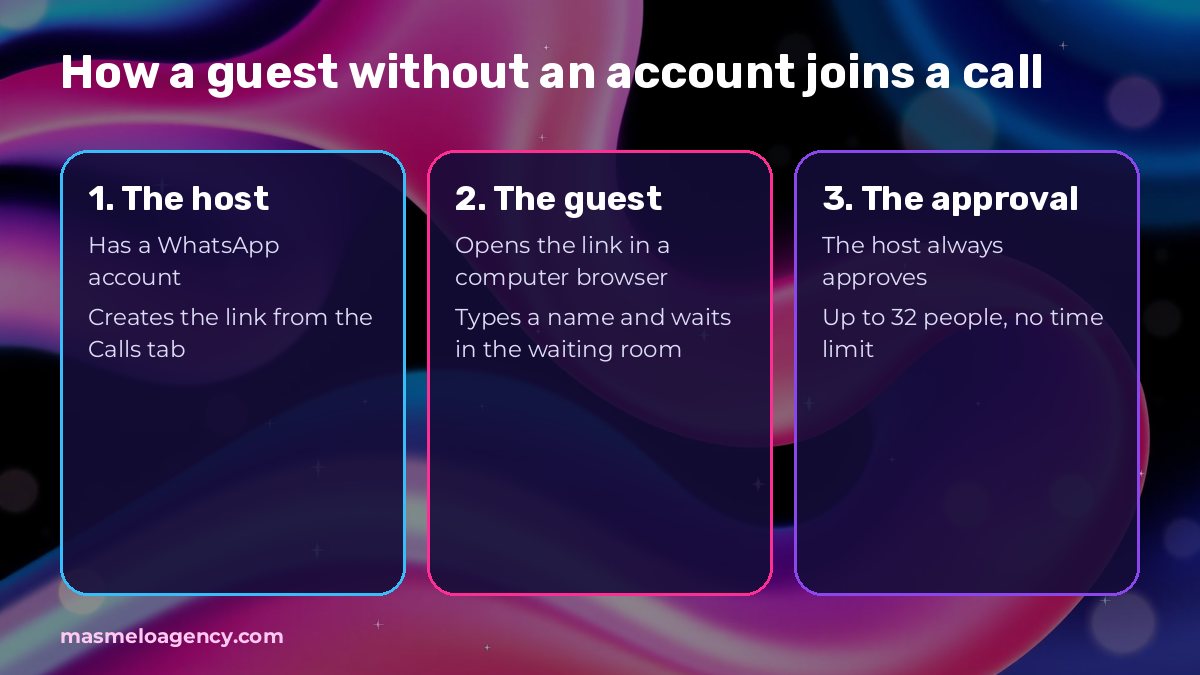
On October 14, 2026, WhatsApp announced that anyone with an account can create a call link and a guest without an account joins from their computer's browser, always with the host's approval. Calls hold up to 32 people, have no time limit and are end-to-end encrypted.
What did WhatsApp announce on October 14, 2026?
On its official blog, WhatsApp introduced calls with guests: a person without an account can join a voice or video call through a link. This table summarizes what WhatsApp says, with nothing of ours added.
| Aspect | What WhatsApp says |
|---|---|
| Who creates the link | Only a person with a WhatsApp account, from the Calls tab |
| How the guest joins | Opens the link in a computer browser and types their name |
| Approval | The host must always approve the guest, who waits in a waiting room |
| Size | 1-on-1 or group calls, up to 32 people |
| Cost and duration | Free and no time limit |
| Privacy | End-to-end encryption |
What can and can't a guest do?
WhatsApp limits the guest's role to protect the host and the other participants.
- They can share their screen, react with emojis and raise a hand.
- They cannot see the other participants' phone numbers.
- They cannot send messages during the call or add other people.
- The host can remove them from the call at any time.
What is confirmed and what is still unknown?
We separate what the official source says from what we did not find. The calendar item is an announced plan, not something that already works.
| Topic | Status | Source |
|---|---|---|
| Link, waiting room, approval and up to 32 people | Confirmed | WhatsApp blog, October 14, 2026 |
| Google Calendar and Outlook integration | Announced for "later this year" | WhatsApp blog |
| Gradual rollout: it may not show up for you yet | Reported by ProPakistani; WhatsApp gave no date for all users | ProPakistani, October 14, 2026 |
| Countries where it is available, including Colombia | Not specified in what we reviewed | No data |
| Whether it applies to the WhatsApp Business app | We did not find that the post mentions it | No data |
What does this mean for a Colombian small business?
Our take: it is most useful for businesses that serve customers by video call and run into customers who do not want to install anything. Take an example (hypothetical, not a client case): a wholesale hardware store shows a new customer a quote by screen share, and the customer does not use WhatsApp on their computer. With the link, both are on the same call in a minute.
We also like that the host has to approve each person: it reduces the risk of an outsider joining if the link gets forwarded. Even so, treating the link like a key makes sense: share it only with the person you are going to serve.
And an honest caveat: we have not tested the feature with customers. What we report comes from WhatsApp's official communication and from an outlet that reported the launch, not from our own experience.
What should you check this week?
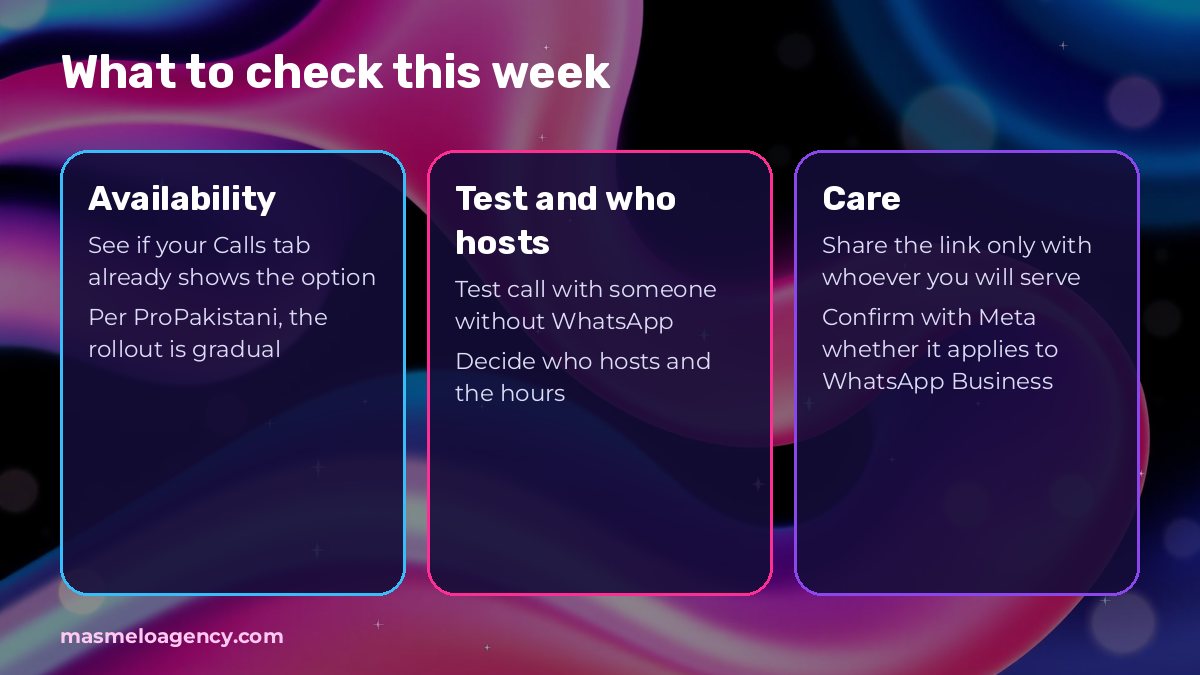
- If your Calls tab already shows the option to create a link: according to ProPakistani, the rollout is gradual.
- Make a test call with someone you trust who does not have WhatsApp and confirm they can join from the browser.
- Decide who on your team will be the host and what your video call service hours are.
- Decide how you will share the link: only with whoever you are going to serve, not in open posts.
- If you use WhatsApp Business, confirm with Meta whether the feature applies to you before offering it.
What should you look out for when serving a customer by video call?
This is our own judgment, not a WhatsApp rule. The waiting room helps if you use it: before approving, confirm that whoever asks to join is who you expected, because the guest only types a name.
If you share your screen, close other customers' tabs, chats and files first. And if you are going to record the call, say so and ask permission before starting. It is good manners, and if you handle personal data it is worth reviewing your data processing policy.
- Approve only who you expected.
- Close what you will not show before sharing your screen.
- Say so if you are going to record and ask permission.
Does this have anything to do with WhatsApp Business charges?
The official post says calls are free and does not mention charges. The new charges for service messages that we explained in our WhatsApp Business article apply to the business platform and are a separate matter. Whether you serve customers through the app, the platform or both, it is worth being clear about what each channel of your business uses.
If you want a hand defining how your business serves customers on WhatsApp, tell us your case and we will look at it together at +Melo Agency.
Frequently asked questions
Can someone without WhatsApp join a call?
Yes, according to WhatsApp: they open the link the host created in a computer browser, type their name and wait for approval.
Is there a time or people limit?
WhatsApp says there is no time limit and that calls hold up to 32 people.
Who can create the call link?
Only a person with a WhatsApp account, from the Calls tab.
Is it already available in Colombia?
We did not find a statement confirming it: WhatsApp does not specify countries and, according to ProPakistani, the rollout is gradual. Check whether the option shows up in your Calls tab.
Last review
- : Published.
Sources
Keep reading
- NewsGoogle Ads: channel priority and budget, what changedGoogle Ads launched channel priority and a spend cap for Display; in February 2027 the split in Search changes. What to check in your account.
- Brand ProtectionChamber of Commerce or SIC? Where to register your trademarkThe Chamber registers your business and the SIC registers your trademark. Comparison table, validity, cancellation for non-use and how to check for free whether your name exists.
How we make this blog: we use AI to help research and draft. Every figure and every rule is checked against two sources, which we link at the end, and anything we cannot verify is not published. If you spot something to correct, write to us.